Files and account
The File Vault: Storage, Renewal and the 14-Day Window
A place on the WriterCaddy server for covers, fonts and print packages, included with the plan, with two weeks of grace if you ever let it go
WriterCaddy Team · October 17, 2026 · updated October 21, 2026 · 5 min read
Tomas commissioned a cover for his thriller series: a layered design file, two licensed fonts, and a print-ready package from his designer. It lived in an email thread, then on a laptop that was about to be replaced. He did not want another app; he wanted the files to sit with the book account he already used.
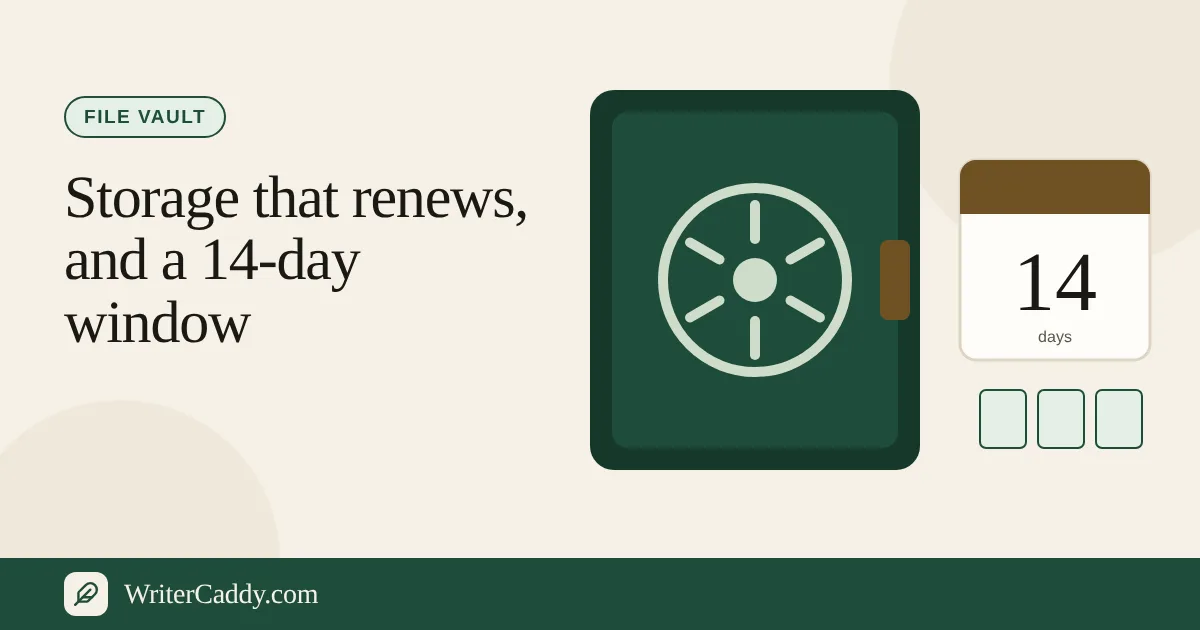
The File vault is that shelf. It stores any file you choose on the WriterCaddy server, for your account only, with 1 GB of room included in the WriterCaddy plan ($29.99 a month, after a 7-day free trial). You can add, download and delete files from the Vault page, and if the plan ever ends, your files stay downloadable for 14 days before they are deleted automatically.
What the vault is for, and what it is not
The vault page describes its job in one line: "Covers, fonts, artwork, and print packages, kept on the WriterCaddy server and only for this account." Those are the heavy, finished files that orbit a book: the layered cover, the font licence and its files, the illustrator's high-resolution art, the package a printer sent back.
What it is not for is your manuscript. The book itself already lives on your account through the WriterDesk, saved as you type and open on any device, and keeping it there is not a purchase. The vault page says it directly: "The manuscript itself stays on the desk and does not need a vault."
It also helps to know that the vault and the desk are separate rooms. Nothing on the WriterDesk saves into the vault or reads from it. A cover you upload on the Cover step is stored with the book; a cover file you put in the vault stays in the vault until you download it.
What comes with the plan
| Included with | Room | Per file |
|---|---|---|
| The WriterCaddy plan, trial or paid | 1 GB | Up to 500 MB |
The vault is not a separate purchase any more. It opens on the first day of the WriterCaddy plan's free trial and stays open while the plan renews. You can see what the plan includes on Pricing.
A rough sense of scale helps. A finished cover image or a few fonts take a few megabytes. Layered design files and a full set of picture-book art, at 300 dots per inch, can run to hundreds of megabytes, and 1 GB holds several books' worth.
Writers who bought one of the earlier $2.99 or $5.99 vault subscriptions keep it until they turn its renewal off; the vault page shows a button for that older subscription.
Step by step: opening the vault
- Sign in, then open Vault in the menu at the top of the site.
- Without a plan, the page says "The file vault comes with the WriterCaddy plan." Press "See the WriterCaddy plan".
- On Pricing, press "Start the 7-day free trial" and add a card on Stripe's checkout. Nothing is charged until the trial ends.
- Back on the Vault page, press "Add a file" and pick a file from your computer.
- Use "Download" beside any file to take a copy, and "Delete" to remove it and free the room.
- Read the usage line at the top, such as "40.0 MB of 1 GB used · with the WriterCaddy plan, renewing" and a date, to see how full the vault is.
Renewal and the paid month
The vault follows the plan. Each paid month keeps it open to the end of that billing period. To stop, cancel the plan on Pricing. Nothing disappears that day: the plan and the vault stay open until the end of the trial or the paid month, and the vault page shows the date with a note that the plan is set to end.
Change your mind before then and Resume on Pricing keeps both running. If a renewal payment fails, the vault stops taking new files at the end of the last paid month, and the 14-day window below starts from there.
When a vault ends: the 14-day window
A vault ends when the plan's paid time runs out, or when the plan is cancelled during its trial and the trial ends. From that moment:
- Uploads stop. Adding a file shows a note that the vault comes with the WriterCaddy plan.
- Downloads keep working for 14 days. The page shows the exact date: files "can still be downloaded until" that day, and "after that they are deleted from the server."
- Deletion is automatic. When the 14 days pass, the files are removed and the space is cleared. There is no request to send and nothing to confirm.
- Starting the plan again inside the window keeps them. The page says so in as many words: "Start the plan again before then to keep them."
That rule is deliberately simple. Two weeks is enough time to notice a lapsed card or download everything you want to keep, and nobody has to decide case by case what happens to old files.
Messages you might see
| Message | What to do |
|---|---|
| "That file is larger than the room left in the vault." | Delete something to make room. |
| "The vault is full. Delete a file to make room." | Same remedy, once the vault is at its limit. |
| "That file is empty." | The file has no content; check the original. |
| "The file vault comes with the WriterCaddy plan." | Start the plan, or its trial, on Pricing. |
Common mistakes
- Storing the manuscript here. It is already safe on the desk, and the vault will not open it there.
- Expecting the desk to pick up a cover from the vault. Upload the cover on the Cover step as well; the vault is a separate store.
- Cancelling the plan without a note of the date. The deletion date is shown on the page; copy it to your calendar.
- Uploading uncompressed art twice. Large print packages fill 1 GB faster than it seems. The per-file limit is 500 MB.
Your next step
If your cover, fonts or art files are scattered across email and old laptops, gather them, open Pricing, and start the trial so the vault is ready for them. If you are still building the book itself, the WriterDesk overview is the better place to start.
Which files around your book would you most hate to lose? Write to us at [email protected].
Try it on your own book
The sample books on the desk show every step before you start one of your own.