Files and account
Watermarked Preview or Clean File: How WriterCaddy Pricing Works
What every account gets free, what the $29.99 plan opens, how the 7-day trial behaves, and where the AI add-on fits
WriterCaddy Team · October 17, 2026 · updated November 3, 2026 · 6 min read
Tomás is on his fourth revision of a 72,000-word thriller. Tonight he wants an EPUB to sideload onto his own reader, on Friday a clean one for his editor, and next month the final files for KDP. He wants to know which of those costs money before he starts, and he does not want to pay for anything he will not use.
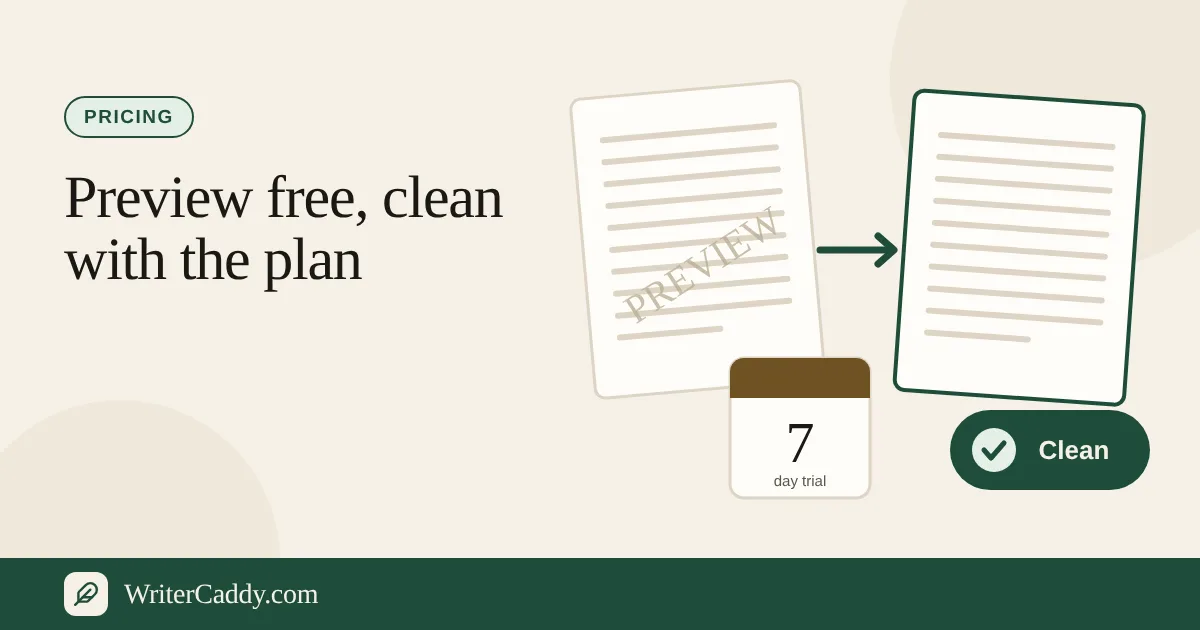
The short answer: writing, keeping and previewing the book costs nothing, and every file can be taken free as a watermarked copy. The clean files a press should receive come with the WriterCaddy plan, $29.99 a month after a 7-day free trial. AI is a separate add-on, and every account can try it free first.
What every account gets free
A lot happens before a card comes out. All of this is free with an account:
- Writing, editing and keeping books on your account, on any device.
- The live preview on the desk, page by page.
- The "Watermarked manuscript", "Watermarked Word file", "Watermarked EPUB" and "Watermarked handoff" downloads on the Check step, and for a picture book or comic the watermarked print interior.
- The browser Listen button that reads a chapter aloud while you edit.
- A one-time AI taste: 5 questions, 1 picture and a 30-second voice sample of your first paragraph.
A watermarked file is a real, working file with a marker in it. The manuscript's first line is a preview note, the EPUB opens on an extra page titled "Preview", the Word file says PREVIEW on every page, the print interior is watermarked, and the ONIX handoff's description begins with "PREVIEW." Tomás's sideload copy for tonight can be exactly that, and it never expires.
The two plans on the Pricing page
The Pricing page shows two cards and nothing else:
| Plan | Price | What it opens |
|---|---|---|
| WriterCaddy | $29.99 a month, 7-day free trial | Unlimited books, every step and every publisher, unlimited clean downloads, a 1 GB file vault, the browser voice, and the tools that clean and join your own recordings |
| AI | $29.99 a month, add-on | Every AI tool on the desk, cover and logo drawing, and AI narration, with a monthly allowance |
The AI plan needs the WriterCaddy plan (trialing or paid). Both renew monthly through Stripe, and both can be cancelled on the same page. Clicking a plan while signed out sends you to sign in first.
How the 7-day trial works
The first time you start the WriterCaddy plan, it opens with a 7-day free trial. Checkout asks for a card, because the plan simply continues when the trial ends; nothing is charged on day one. The trial is once per account, so a second start later begins paid.
During the trial everything on the desk is open, including the file vault. The one thing held back is the clean file: every download during the trial is watermarked. When the trial ends and the first $29.99 goes through, the clean buttons on Check start working for every book on the account.
If Tomás starts his trial today, he can write, set up the house, upload his cover fonts to the vault and check the watermarked EPUB all week. His Friday file for the editor will be clean if the trial has ended and the plan is paid by then.
What the clean buttons check
When you press a clean button on Check, the desk asks the server first, and the file leaves clean only when one of these is true:
- The WriterCaddy plan is paid and current. Clean downloads are unlimited, so a clean Word file and a clean EPUB are simply two downloads.
- The account has free access as an owner, admin or tester.
- An earlier purchase is still open. Download credits, AI credits and the 24-hour pass are no longer sold, but any already bought still take a clean file.
Otherwise the desk says why and keeps the watermarked copy ready. During a trial it names the day clean files open. If a renewal payment fails, downloads go back to watermarked until it goes through.
Where the AI plan fits
The AI plan switches on AI across the whole site for $29.99 a month, charged when you add it. Each billing month includes about 150,000 words of answers, 60 pictures and 5 hours of narration. The allowance resets on the billing date; there are no top-ups, and at a limit the desk tells you the date it resets.
Without the AI plan, the free taste is how you find out whether the tools help. A free question reads up to about 1,500 words of the chapter, and the answer says so when it trimmed the text. The panel counts down from five, and at zero the buttons point to the plan instead of running. The AI caddy guide explains what those tools do and where they stay out of your prose.
Narration minutes
Rendering an audiobook ZIP, a shop sample or a read-aloud video with a voice uses the AI plan's 5 monthly hours. The studio estimates the length before you start, at roughly 900 characters a minute, and counts the minutes when the render begins. A render that does not finish gives its minutes back, and finished files stay ready to download for seven days.
Cleaning and joining recordings you made yourself uses no AI. Those tools come with the WriterCaddy plan and never touch the AI allowance.
What blocks a clean file
The plan is not the only gate. On the Check step, any line marked "Needed" disables the clean buttons until you fix it: a missing title, empty chapters, a trim the house does not print, a paperback under about 24 pages, or a blank ISBN on IngramSpark. The desk says it directly: "A clean file waits until every Needed line is cleared." Lines marked "Look" are advice and never block.
When you cancel
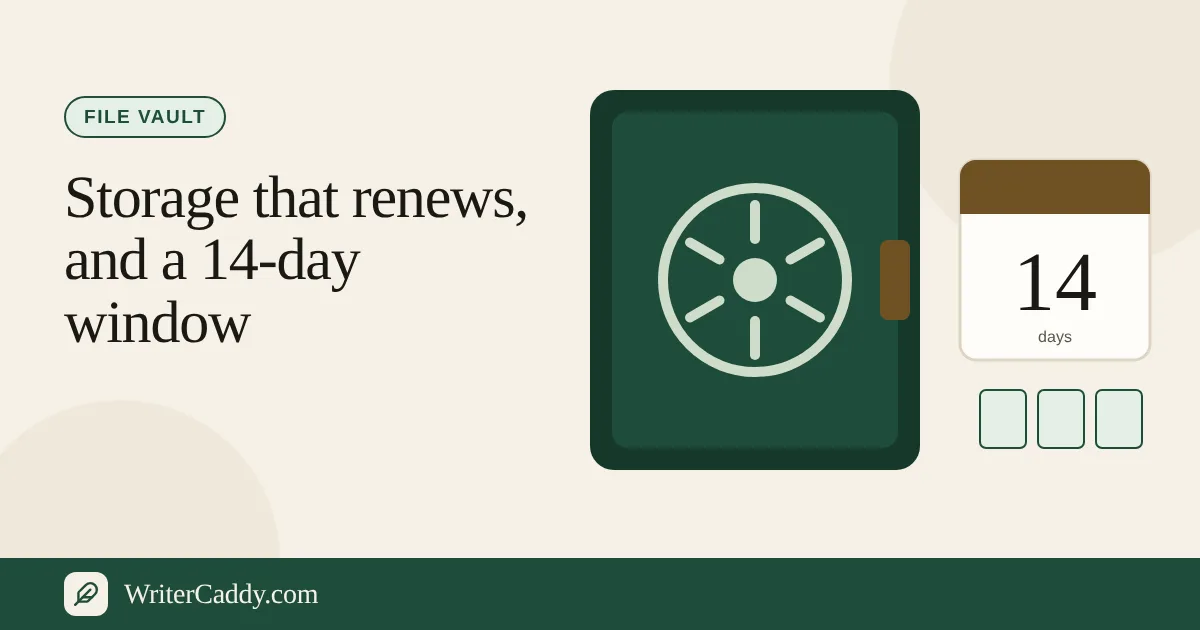
Cancelling on Pricing stops the next charge, and the plan stays open to the end of the trial or the paid month. After that your books stay on your account, you can still sign in and edit them, and downloads go back to watermarked. Vault files stay downloadable for 14 days, as the vault guide explains, and are then deleted.
Common mistakes
- Expecting a clean file during the trial. Every trial download is watermarked. Plan the send-to-editor date around the end of the trial.
- Paying for a file you only want to read. A watermarked copy is free and opens on any reader.
- Starting the trial before the book is close. Seven days go fastest when the chapters are already on the desk. Use the free account until then.
- Adding AI before trying it. Spend the five free questions on your hardest chapter first.
- Expecting a print PDF for a prose book. The clean files are a manuscript, a Word file, an EPUB and an ONIX handoff. The desk walk-through lists exactly what each contains.
Your next step
Take the free watermarked EPUB from the WriterDesk today and read it on your own device. When the Check list is nearly clear, start the trial so the plan is paid by the day you send the clean files.
Which day will your first clean file need to leave the desk? Write to us at [email protected].
Try it on your own book
The sample books on the desk show every step before you start one of your own.