Guides
How the WriterDesk works, one path at a time
Every guide follows one real path through the desk, from the first decision to the file a house will accept. Open the WriterDesk beside it and follow along.
Print books
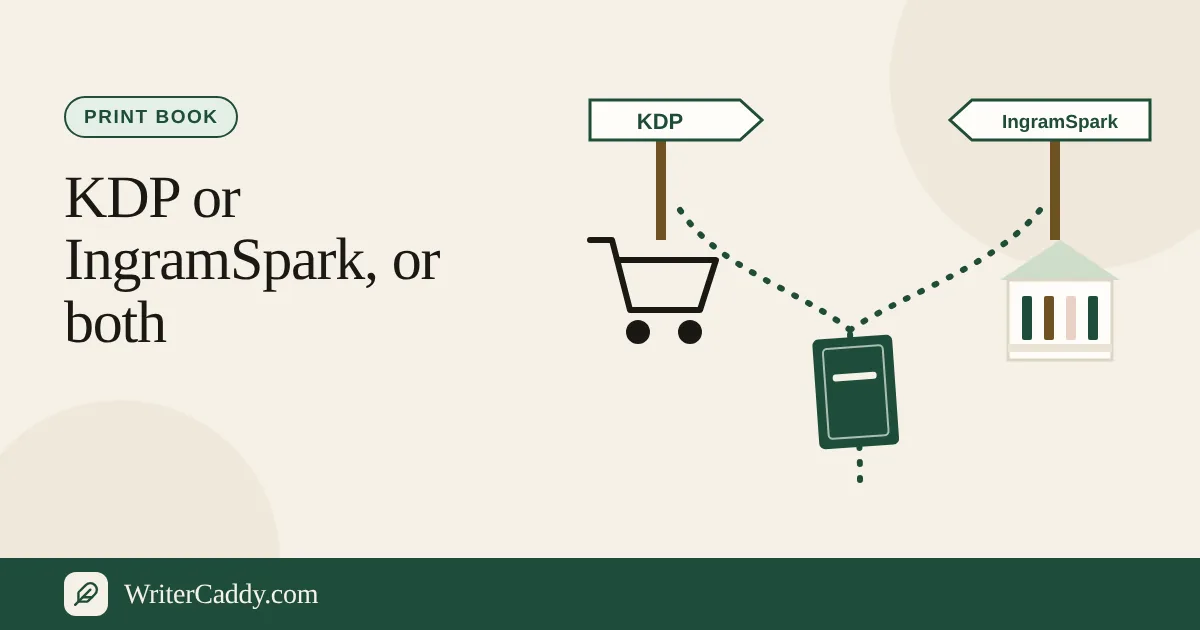
KDP vs IngramSpark: Where to Publish Your Paperback
KDP vs IngramSpark compared: setup costs, royalties, bookstore reach, ISBNs, trims, returns, Expanded Distribution, and how to use both houses.
November 4, 2026 · 6 min read
Picture books and comics
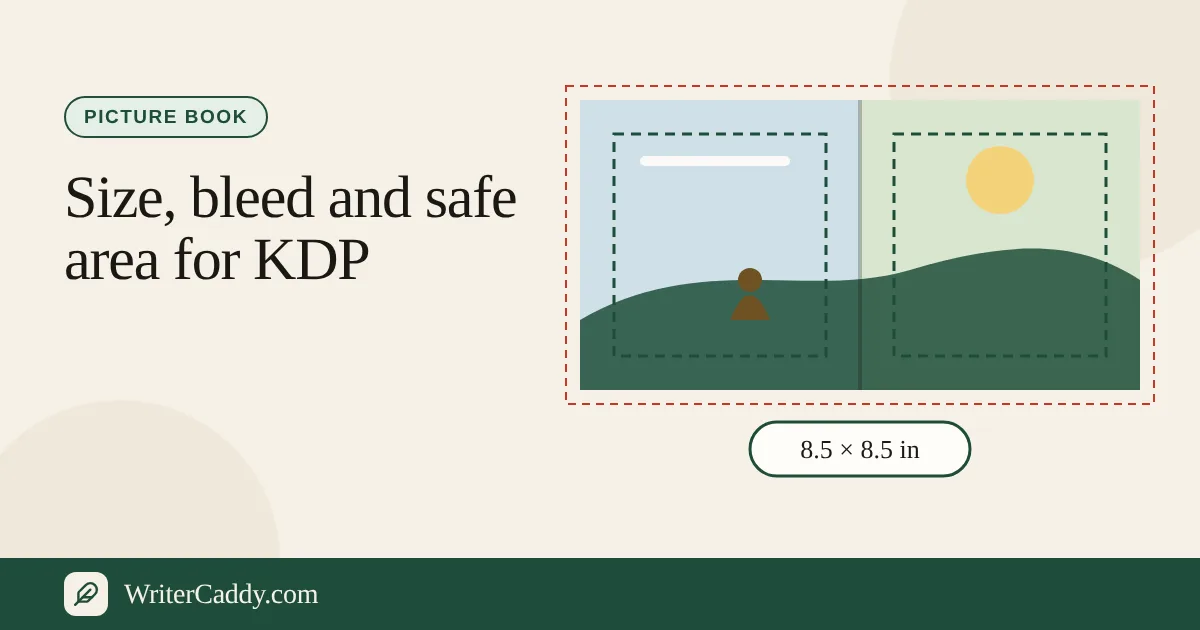
Picture Book Template for KDP: Sizes, Bleed, Pages
Picture book template for KDP: 8.25 and 8.5 square or 8.5 × 11 trims, page size with bleed, safe zones, page counts, colour ink and fixed-layout EPUB.
November 4, 2026 · 6 min read
Print books
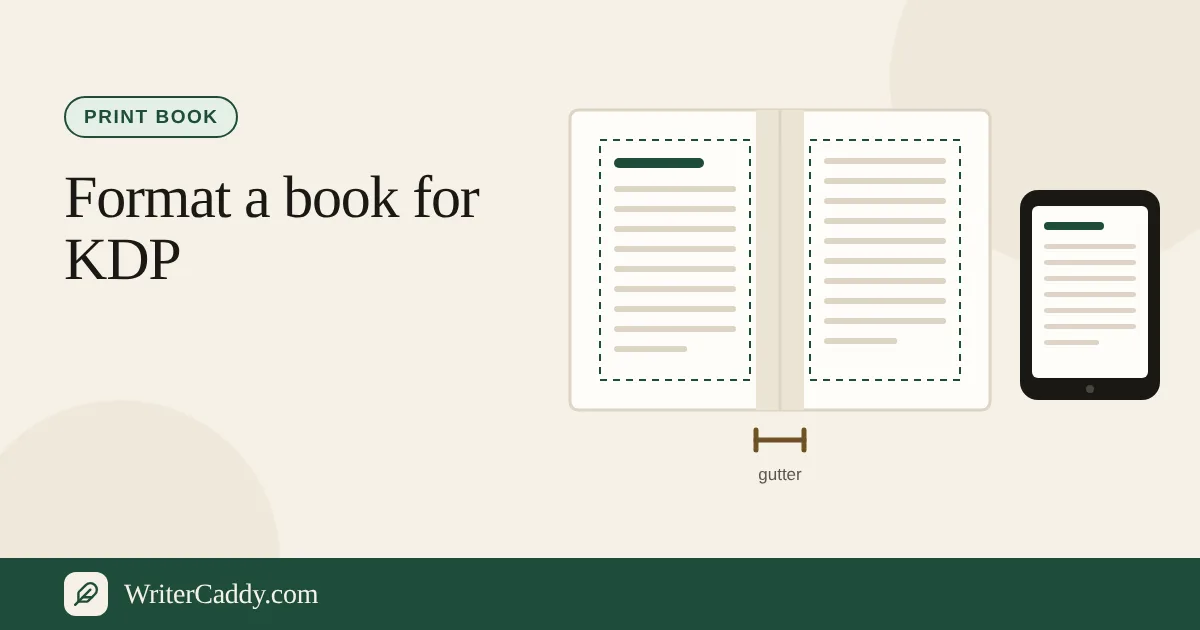
How to Format a Book for KDP: Paperback and Ebook
How to format a book for KDP: trim, margins and gutter, bleed, fonts, front matter, page count, spine and ISBN, for a paperback and a Kindle ebook.
November 3, 2026 · 6 min read
Ebooks
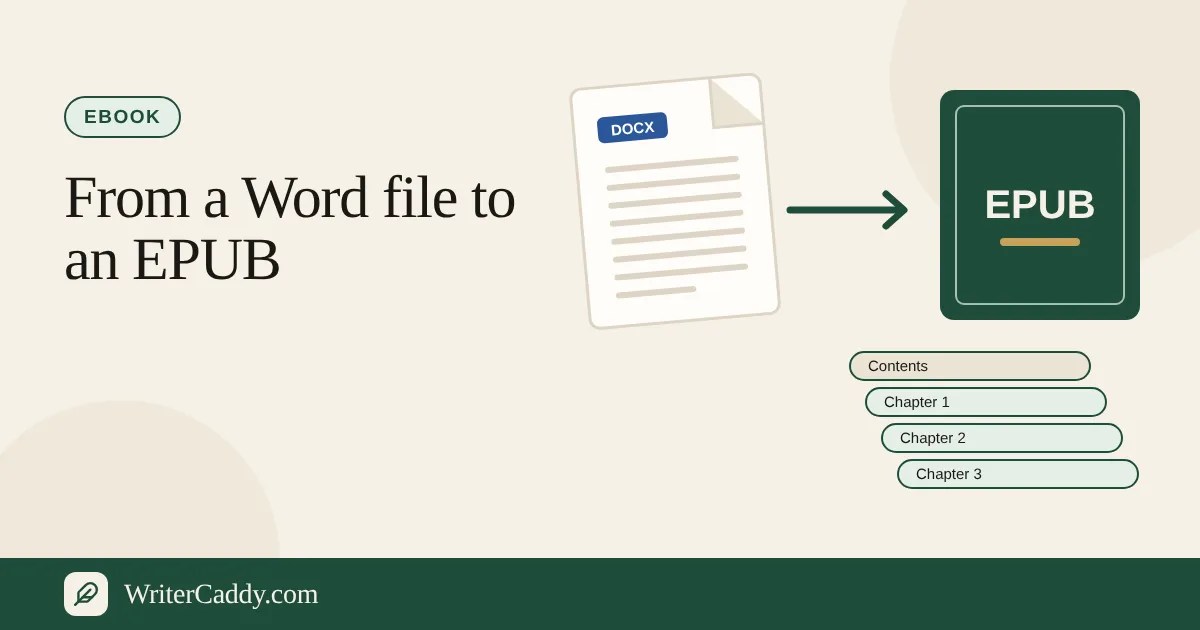
How to Make an EPUB from a Word Document
How to make an EPUB from a Word document: clean styles, turn headings into a contents list, add a cover and metadata, validate, and upload to shops.
November 3, 2026 · 6 min read
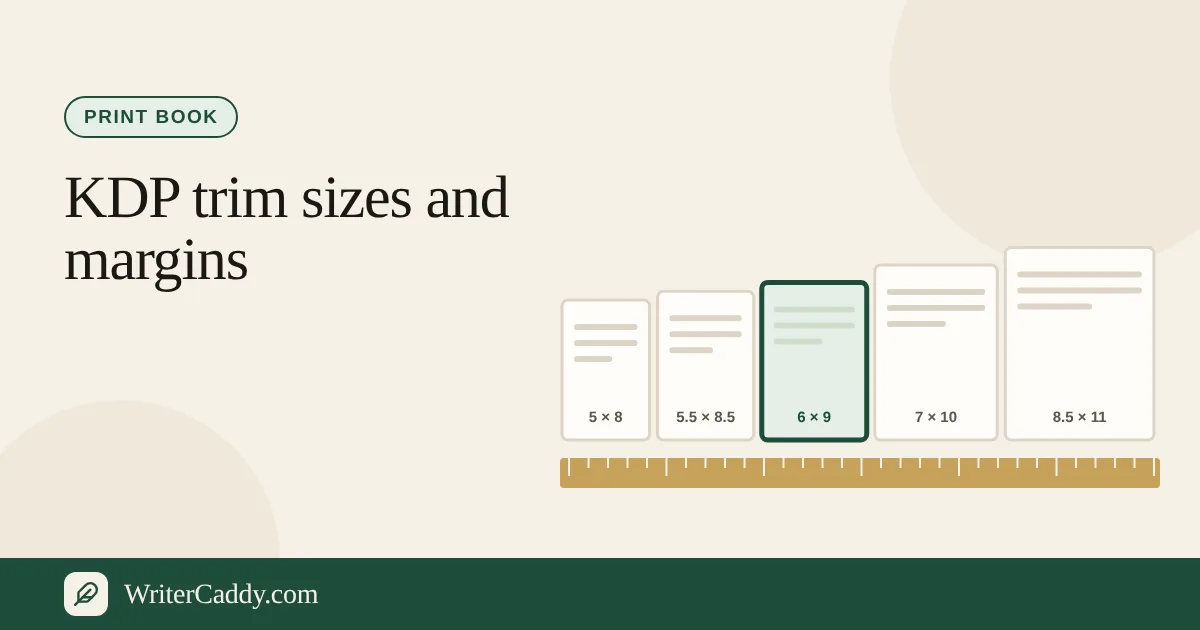
Print books
KDP Trim Sizes and Margins: Which Size for Your Book
KDP trim sizes and margins explained: sizes from 5 × 8 to 8.5 × 11, which genres use them, gutter rules by page count, bleed, and how to choose.
November 3, 2026 · 6 min read
AI caddy
How to Write a Book with AI: Idea to KDP-Ready File
Write a book with AI step by step: idea, outline, drafts, edits, cover and files, plus KDP's AI disclosure rule and what copyright protects.
November 3, 2026 · 8 min read
Getting started
From Idea to a File a House Accepts: The WriterDesk Path
Walk the WriterDesk from House to Check, see what each step asks for, and learn which files leave the desk free and which need the plan.
October 17, 2026 · 7 min read
Getting started
Pick Your Publishing House Before You Pick a Trim Size
See every house on the WriterDesk House step, what each one allows, and why choosing it first saves you from reformatting later.
October 17, 2026 · 6 min read
Getting started
Bring a Finished Draft onto the WriterDesk Without Retyping It
Import an existing manuscript into the WriterDesk, split it into chapters automatically, and pull front matter and copyright facts from the same file.
October 17, 2026 · 5 min read
Getting started
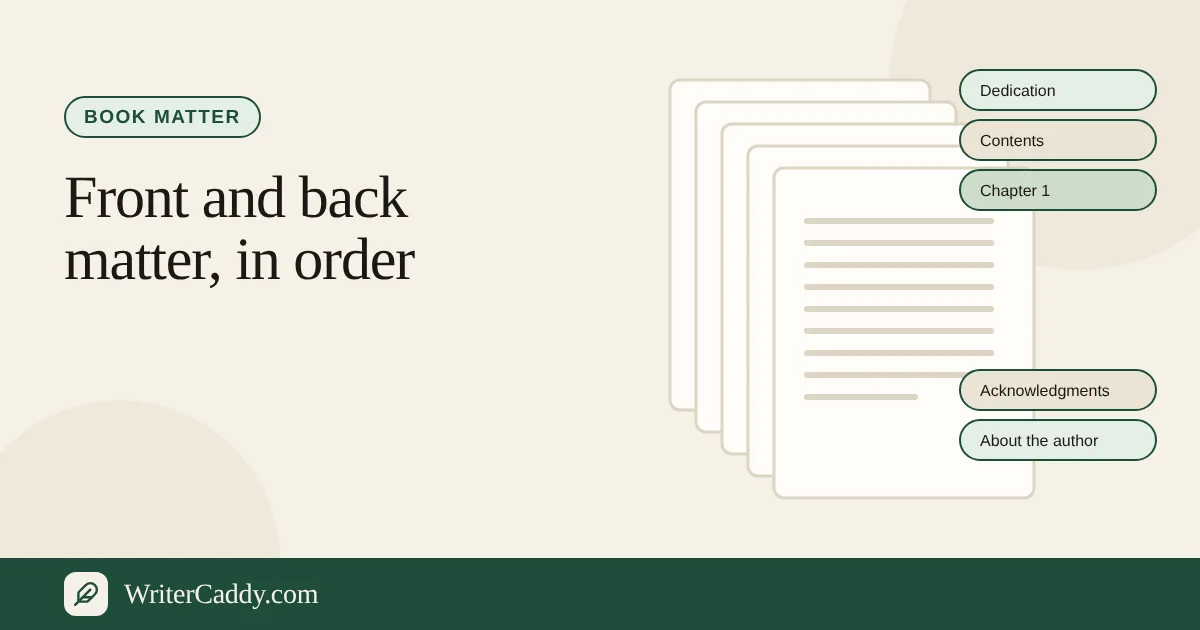
Front and Back Matter: What Goes Where in Your Book
Learn which pages sit before and after the chapters, how to switch each one on, and which ones an audiobook listener should hear.
October 17, 2026 · 6 min read
Print books
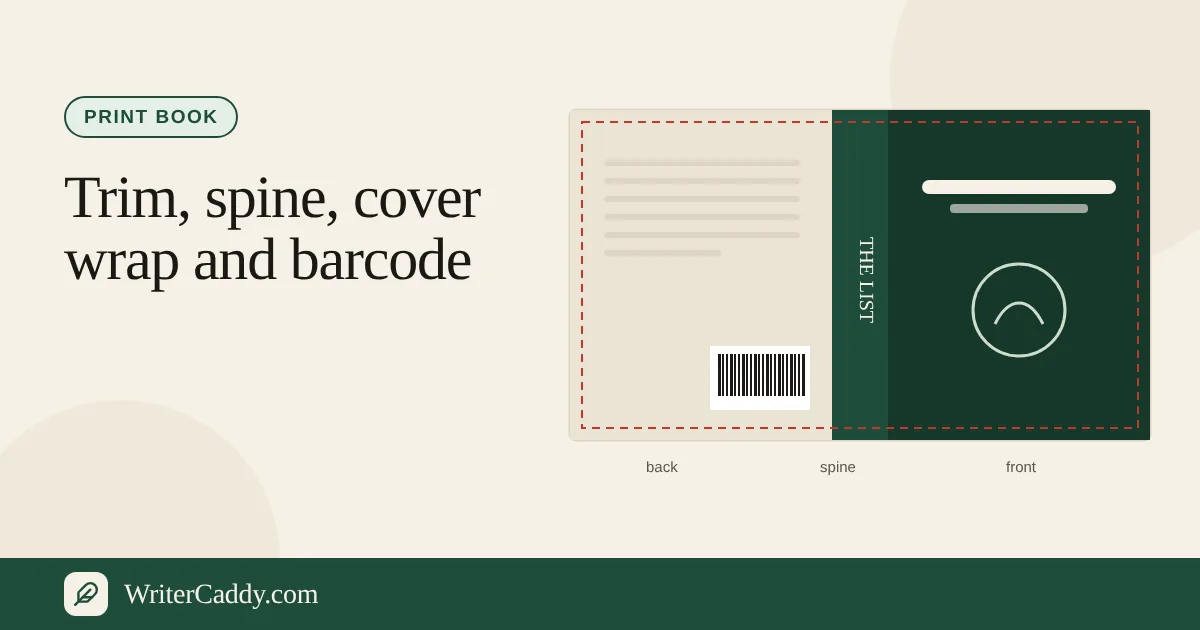
Plan a Paperback: Trim, Spine, Cover Wrap and Barcode
Plan a print edition on the WriterDesk: choose a trim the house allows, read the spine estimate, and check the cover wrap and barcode.
October 17, 2026 · 8 min read
Ebooks
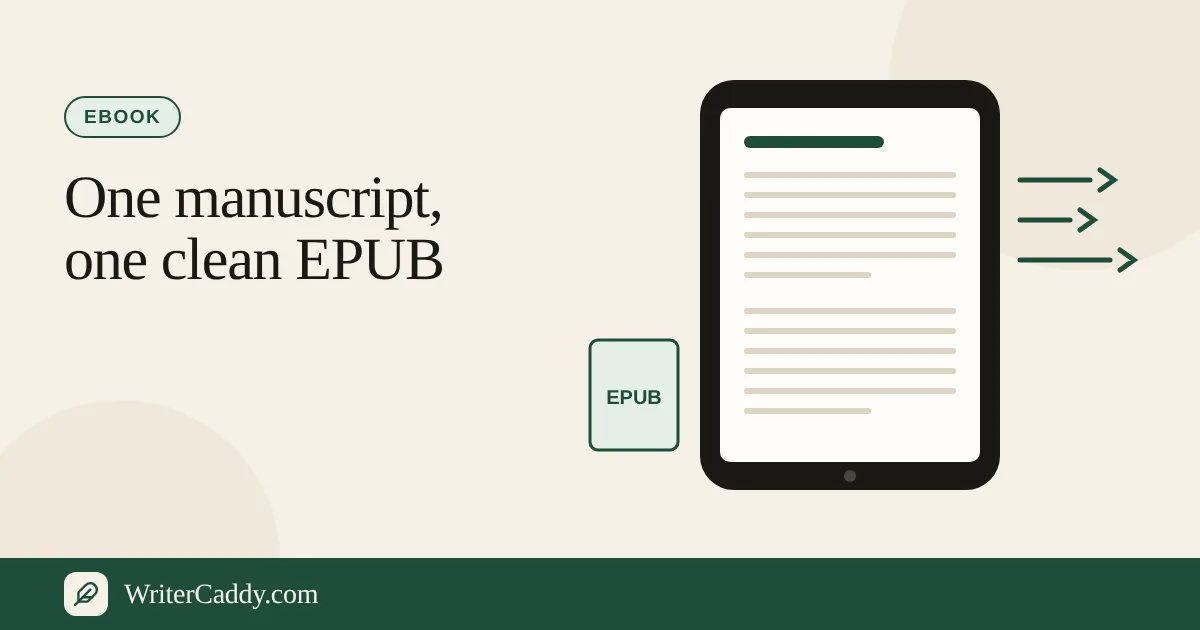
Turn Your Manuscript into an EPUB Ebook
Build an EPUB from the chapters on the WriterDesk, check the ebook lines that matter to shops, and know what to upload separately.
October 17, 2026 · 6 min read
Audiobooks
Make an Audiobook on the WriterDesk, Chapter by Chapter
Turn finished chapters into opening credits, one MP3 per chapter and closing credits, with the levels audiobook shops ask for.
October 17, 2026 · 6 min read
Picture books and comics
Turn a Picture Book or Comic Into a Read-Aloud Video
Lay out your pages, choose a reader, and render an MP4 where every picture waits for its line, plus an MP3 of the same reading.
October 17, 2026 · 6 min read
Getting started
Proofread by Ear: Hear Each Chapter Before a Reader Does
Use the Listen button to hear a chapter in your own browser, then fix what your ear catches with the chapter stats beside it.
October 17, 2026 · 5 min read
AI caddy
The AI Caddy: What It Helps With and Where It Stops
Learn which AI tools run on the WriterDesk, what one ask sends and returns, and how using them changes a clean download.
October 17, 2026 · 6 min read
Files and account
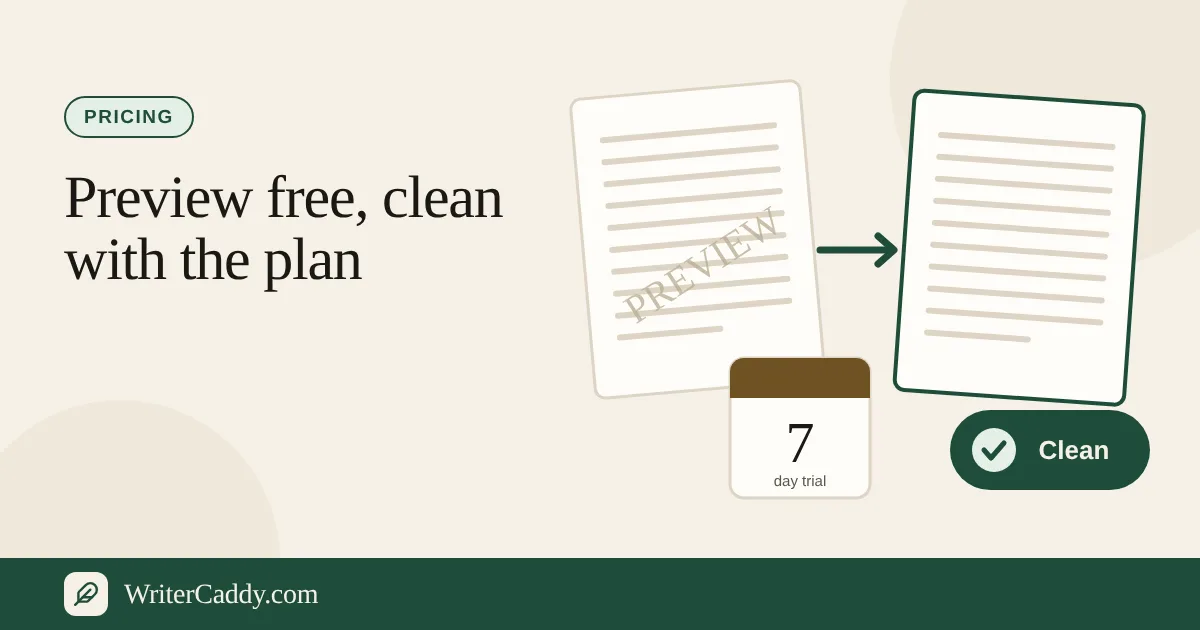
Watermarked Preview or Clean File: How WriterCaddy Pricing Works
Understand WriterCaddy's free watermarked files, the WriterCaddy plan and its 7-day trial, the AI add-on, and the free AI taste every account gets.
October 17, 2026 · 6 min read
Files and account
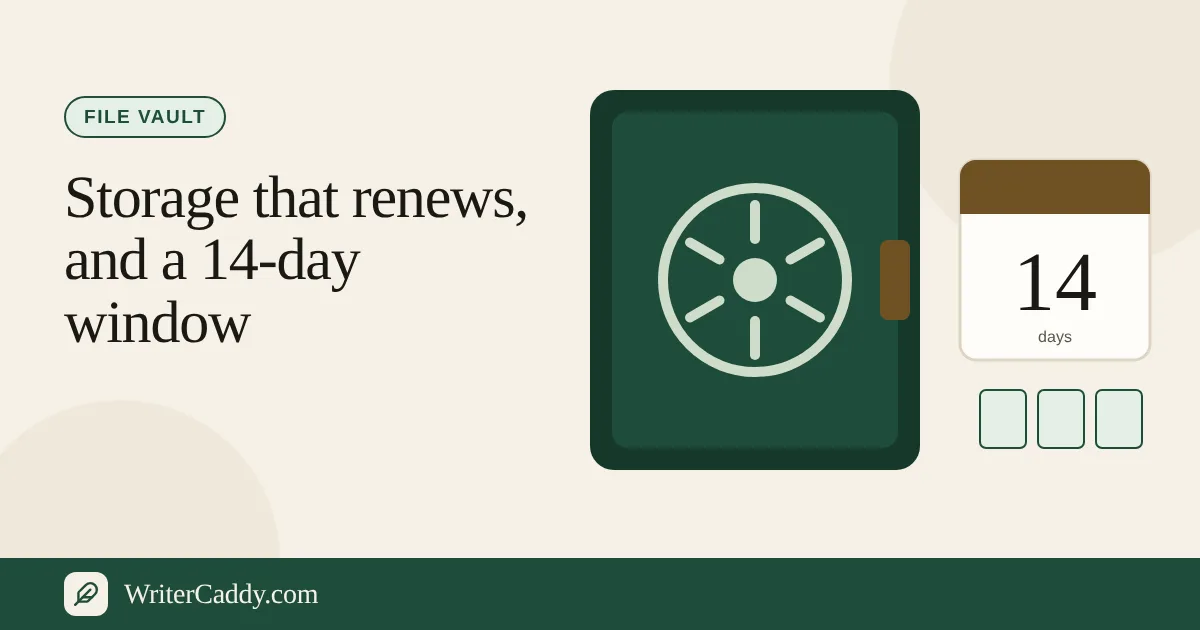
The File Vault: Storage, Renewal and the 14-Day Window
Keep covers, fonts and print packages on your WriterCaddy account, and know exactly what happens to them when the plan ends.
October 17, 2026 · 5 min read
FAQ
Questions and answers
171 short answers, each with a link to the exact place on the site.
Getting started
What is WriterCaddy?
A writing desk that takes a book from the idea to a file a publisher will accept: print, ebook, audiobook, or a read-aloud video. You write; the desk handles the house rules, the matter, the cover facts and the files. Open the WriterDesk
Where do I start?
Sign in, then open the WriterDesk and press Start a new book. The finished sample is on the Shelf if you want to look around first. Sign in · See the four paths
How do I start a new book?
Sign in, then press Start a new book at the top of the WriterDesk. A blank book opens on the House step. Open the WriterDesk
What is the sample book?
The Dragon Who Kept the List, a finished example set up for Amazon KDP at 6 × 9. Once signed in, open it from the Shelf on the WriterDesk; you can click through every step, but nothing on the sample is saved and it only downloads watermarked. See it in the walks
Is there a picture-book sample?
Yes. On the WriterDesk, press A book made from pictures, or open it from the Shelf. Walk: Picture book
What are the four paths?
Print book, ebook (EPUB), audiobook, and picture book or comic as a read-aloud. Each walk shows the same sample on real screens. See the four paths
Do I need an account to try it?
Yes. Every WriterDesk feature needs a free account; only the site search works without one. Signing in takes a moment with an emailed link. The walks and guides show everything before you sign up. Sign in · See the four paths
Does WriterCaddy publish my book for me?
No. WriterCaddy prepares the files and facts each house asks for; you upload them to the house yourself, under your own account. Choosing a house
Which publishers (houses) can I format for?
Amazon KDP & Audible, ACX, Google Play Books, Spotify for Authors, INaudio, IngramSpark, Barnes & Noble Press, Lulu, Draft2Digital, Apple Books, Kobo Writing Life, or Custom format. Choose the publisher · Choosing a house
Why does the House step come first?
Print, ebook and audiobook do not ask for the same file, and each house has its own trims, ISBN rules and margins. Every step after House follows the path you pick. Choose the publisher
Is there a guide for the whole process?
Yes, one guide walks every step from House to Check. Read the full path
Does it work on a phone?
Yes. The site and the WriterDesk work in a phone browser; a laptop is easier for long chapters. There is no separate app.
Account and saving
Is my book saved?
Signed in, every change saves to your account a moment after you stop typing, and the status line says On your account. The sample is never saved, so sign in and start a book to keep your work. Sign in
Can I open my book on another device?
Yes. Books live on your account, so the same book opens on any phone, laptop or desk once you sign in. Sign in
How do I sign in or create an account?
On the sign-in page, press Continue with Google, or enter any email and press Email me a sign-in link: one click from your inbox signs you in, and the first time it creates your account. You can also use a password. Continuing means agreeing to the Terms and the Privacy Policy. Sign in
I forgot my password
Use Forgot your password on the sign-in page. The reset email link works for one hour. Reset password
Do I need to confirm my email?
A confirmation email is sent when you sign up and its link works for 24 hours. You can use the site before you confirm.
How do I sign out?
Use the account button at the top right of any page and choose Sign out.
Where are all my books?
Press Shelf on the WriterDesk. It lists your books by title and word count, newest first. Open the WriterDesk
How many books can I keep?
The shelf holds 24 books per account. Remove one before starting another.
How do I delete a book?
Open Shelf, press Remove on the book, then Remove this book. It is deleted right away and cannot be brought back.
Is there a size limit for a book?
A book can hold a long novel, but a single book over about 1.5 MB of text is refused with a note. Pictures are stored separately, up to 15 MB each.
What if I edit the same book on two devices?
The newest save wins. Close the book on one device before working on the other.
The WriterDesk
What goes on the Intent step?
The title, subtitle, series, who the book is for, and the intent: what a reader should have when they close it. Book title · Who it is for
Where do I write my chapters?
On the Chapters step. Add chapters with + Chapter, give each a title and an optional Part, and write in the chapter box. Write a chapter
How do I add, move or remove a chapter?
On Chapters, + Chapter adds one; Earlier and Later move it; Remove chapter deletes it (the last chapter cannot be removed). Chapters step
What is a Part?
An optional group of chapters, like Part One. Its name becomes a divider in the manuscript and the EPUB. Set it on each chapter. Chapters step
What formatting does the chapter editor have?
Bold, italic, underline, quotes, alignment, line spacing, lists, tables, images and a scene break (* * *). The Word file and the EPUB keep that styling; the .txt manuscript keeps only the words and paragraphs.
What do the word count and reading grade mean?
Under each chapter you see its word count, a reading grade after about 40 words, and words you use often. Listen and stats guide
What is the preview on the right?
A live copy of the book as you write: printed pages, ebook screens, the listening order, or the read-aloud player, depending on the path. It is stamped Preview.
What is the Matter step?
The pages before and after the chapters: dedication, epigraph, foreword, acknowledgments, glossary, index and more. Turn on only what the book needs. Matter step · Matter guide
Which front and back matter can I add?
Front: praise, dedication, epigraph, foreword, author's note, preface, how to use this book, about the publisher, peer-review note. Back: acknowledgments, also by the author, appendix, bibliography, notes, glossary, answer key, index. Matter step
Do I type the title page and copyright page?
No. They are built from Intent and Facts, so you do not type them twice. Facts step
What is the Facts step?
The details a house asks for: author, ISBN, category, keywords, language, year, rights, and a way for readers to reach you. Facts step
Which languages can a book be in?
English, Spanish, French, German, Portuguese, Hindi and Chinese. Choose it on the Facts step; it is written into the EPUB and the handoff. Facts step
What is the Check step?
The preflight list (Ready, Look, Needed) and the downloads. A clean file leaves once nothing is Needed. Check step
What do Ready, Look and Needed mean?
Ready is fine. Look is worth a glance but does not block. Needed must be fixed before a clean file can leave; a watermarked copy still can. Check step
What does the preflight check?
Title, chapters, author, trim for the house, page count, ISBN, barcode, rights, data line, and for ebooks the store description and keywords. Audiobooks add narrator and file-length checks. Check step
Why does the sample show a Needed line?
The sample is shorter than a paperback's 24-page minimum, so the length line is Needed on purpose. Your own book clears it with more pages.
Can I go back and change the house later?
Yes. Pick another house on House; the trim snaps to one that house prints and the checks follow. Choose the publisher
Bringing a manuscript
Can I bring a manuscript I already wrote?
Yes. Bring a .docx, .txt, .md or .rtf onto the Chapters step and it splits into chapters on headings. Bring a manuscript · Guide
Which file types can I bring?
Word .docx, plain .txt, Markdown .md, and .rtf. A PDF or an old .doc is not read; save it as .docx first. Bring a manuscript
Can I import a PDF?
Not yet. Save the file as .docx or .txt and bring that instead. Bring a manuscript
How does it split chapters?
A new chapter starts at a line like Chapter 1, Prologue or Epilogue, a Word heading style, or a Markdown #. Part lines set the part. With no headings the file becomes one chapter. Guide
Can I bring several files at once?
Yes, on Chapters. A file with no heading becomes one chapter named after the file. Bring a manuscript
Will bringing a file replace my chapters?
You see a summary first. When chapters already exist you choose Add after the chapters here or Replace the chapters. Bring a manuscript
Does it pick up the dedication and copyright?
Yes. Headings like Dedication, Acknowledgments or Glossary go to the Matter step, and a copyright line fills the year and rights. Anything not written stays blank. Guide
Can I bring a cover or back-cover text?
Yes, on the Cover step. An image becomes the front cover; text fills the headline, praise, blurb and about the author. Cover step
Is my file uploaded when I bring it?
No. The file is read in your browser and its text goes into the book; signed in, the book saves to your account.
Print books
Can I make a print book?
Yes. Choose a print house and Print and ebook or Print only on House, then pick the kind of book and the trim. Choose the path · Walk: Print book
Does it make a print-ready PDF?
Not for a novel or a handbook: the house's own interior template makes those print files from the Word manuscript. A picture book or comic does get a print interior PDF, with bleed, on its Check step. No book gets a cover PDF; use the house's cover template. Print guide
Which trim sizes are there?
Forty trim sizes across five kinds of book: pocket, novel, handbook, picture and comic. The House step shows only the ones your house prints, exactly as the house lists them: sixteen for Amazon KDP, thirty-two for IngramSpark (4 × 6 to 8.5 × 11 and 11 × 8.5), twenty for Barnes & Noble Press, and sixteen for Lulu. Choose the trim size
Which trims does a novel use?
5.25 × 8, 5.5 × 8.5, 6 × 9, and 6.14 × 9.21 inches are the usual ones. Some houses add 5.5 × 8.25 or A5 (5.83 × 8.27); the House step shows what yours prints. Choose the trim size
Can I use a custom trim size?
Yes on Amazon KDP, IngramSpark and Custom format. KDP allows 4 to 8.5 inches wide and 6 to 11.69 tall. IngramSpark allows 4 to 8.5 wide and 6 to 11 tall, and never wider than tall. Custom format accepts 4 to 12.5 wide and 4 to 18 tall. Barnes & Noble Press and Lulu print only their own lists. Choose the trim size
How many pages will my book be?
The desk estimates about 250 words a page and shows it on Check, with a spine estimate. A paperback usually needs at least 24 pages. Check step
How wide is the spine?
The desk gives an estimate from the page count on white paper. It is a guide, not a printer's measurement; use the house's cover calculator for the final number. Print guide
How do I set up the cover wrap?
On the Cover step: the front image, the spine title and image, and the back with headline, blurb, praise, about the author and photo. The wrap is drawn as you type. Upload the front cover
Where do I add the back cover blurb?
Here: Back cover blurb. The AI caddy can draft one too: Draft the back cover
How do I add an ISBN and barcode?
Here: Add the ISBN. With 13 digits and Put the barcode on the back cover ticked, the barcode is drawn on a print cover.
Where do I add the ISBN?
Here: Add the ISBN. Type the 13 digits and the barcode can be drawn on the back cover. Some houses can issue an ISBN for you.
Do I need my own ISBN?
It depends on the house. KDP, B&N Press and Lulu can issue an ISBN that works only with them; IngramSpark needs one you own. Ebook houses treat it as optional. Choosing a house
Does WriterCaddy sell ISBNs?
No. Buy one from your country's ISBN agency, or let a house that offers one issue it.
Does it check my ISBN?
Yes. The Facts and Cover boxes say whether a 13-digit ISBN's check digit matches. Add the ISBN
Can I add a QR code to the cover?
Yes. Type a link in QR code. On a print back cover it is drawn with the barcode, so it needs a 13-digit ISBN and the barcode on.
Can I add a publisher or series logo?
Yes, on Facts: Publisher logo · Book or series logo
What margins does my house want?
The House step shows the house's margin note, for example IngramSpark's 0.5 inch minimum. The house's template sets the final margins. Choose the publisher
Can I make a hardcover?
The desk prepares the same manuscript and facts; choose hardcover on the house's own site when you set up the print edition. KDP hardcovers come in five trims: 5.5 × 8.5, 6 × 9, 6.14 × 9.21, 7 × 10 and 8.25 × 11. Choosing a house
Ebooks
Can I make an ebook?
Yes, an EPUB 3 with a cover, a title page, a copyright page, the contents, and one section per chapter, plus front and back matter. Choose the path · Ebook guide
Which shops take the EPUB?
Amazon KDP, Google Play Books, Draft2Digital, Apple Books, Kobo Writing Life, and the ebook side of IngramSpark, B&N Press and Lulu. Walk: Ebook
Is the cover inside the EPUB?
Yes, when the Cover step has a front image: it becomes the first page and the shop's cover image. Most shops still ask you to upload the cover separately too: one JPEG, RGB, ideally 2560 × 1600. Upload the front cover
Does the EPUB keep bold, italics and pictures?
Yes. Bold, italics, underline, quotes, lists, tables, alignment, scene breaks and inline pictures carry into the EPUB. A picture that cannot be read when you download is left out.
Is it reflowable or fixed layout?
A prose book's EPUB is reflowable, which suits novels and most nonfiction. A picture book or comic gets a fixed-layout EPUB: one screen for each page, the picture edge to edge, and a spread split across two screens.
Does the ebook need its own ISBN?
If the book also has a print edition, yes: shops will not take the same number for both. Add the ebook ISBN
How many keywords can I add?
Up to seven, separated by commas; Amazon keeps seven. Keywords
Where is the store description?
On the Cover step for an ebook, it is the Store description; for print it is the back cover blurb. Back cover blurb
Can I make a Kindle file (MOBI or KPF)?
KDP takes the EPUB directly, so no MOBI or KPF is needed. Ebook guide
Audiobooks
Can I make an audiobook?
Yes. Choose Audiobook on the House step; signed in, the studio reads the book in a narrator voice and makes the files. Choose Audiobook · Audiobook guide
Which houses take an audiobook?
Amazon KDP & Audible, ACX, Google Play Books, Spotify for Authors and INaudio. Choose the publisher
What files does the audiobook studio make?
A ZIP of MP3s: opening credits, any front matter you chose to speak, one file per chapter, spoken back matter, and closing credits. A second button makes the shop sample: one MP3 of about four minutes from chapter 1. Audiobook studio · Audiobook guide
Where is the audiobook studio?
On the Check step when the path is Audiobook. It needs sign-in, your own book, an AI voice and chapter text. Check step
Which narrator voices are there?
Nine styles: Woman, Man, Older, Young, Adult, Child, Cartoon, Energetic and Calm. Pick one on the House step when the path is Audiobook. Choose Audiobook
Can I use my own recordings?
Yes. Choose Human narration on the House step, then upload your chapter recordings: Clean or edit the voice brings them to ACX levels, and Join the recordings joins them into one audiobook in the order you set. These use no AI and come with the WriterCaddy plan. Choose Audiobook
Does the audio meet ACX rules?
The studio makes 44.1 kHz, 192 kbps constant MP3s with room tone at the head and tail, and the Check step shows the ACX spec. Check each file before you upload. Audiobook guide
How do I make the shop sample?
In the audiobook studio on the Check step, press Make the shop sample. It reads about four minutes from chapter 1 (never over five, never the credits) as one MP3. It needs the AI plan and counts its minutes against the month's 5 hours. Audiobook studio
Can WriterCaddy clean my own narration?
Yes. Upload your takes (MP3, WAV, M4A, OGG or FLAC, up to 90 MB each) and they come back as 44.1 kHz, 192 kbps mono MP3s with noise reduced, levels inside ACX's range, peaks under −3 dB, and room tone at the head and tail. It uses no AI and comes with the WriterCaddy plan.
Can I join page recordings for a picture book?
Yes. On the Voice step, choose Join the page recordings, upload one recording per page in order, and get a single MP3 with a short pause between pages.
Will ACX accept an AI voice?
A direct ACX upload still expects a human narrator unless ACX has authorized synthetic speech. INaudio, Spotify and Google can take an AI voice.
How long can a chapter file be?
ACX will not take a file over 120 minutes; the Check step flags a chapter that would run longer at a calm pace. Check step
How do I write the opening and closing credits?
On the Chapters step, in What the listener hears. Leave them blank and they are built from the title, author and narrator. Opening credits
How do I fix how names are pronounced?
Write one name a line in How to say the names on the Chapters step, or ask Say the names and press Add to How to say the names. The voice reads from that list. How to say the names · Say the names
Which front matter is read aloud?
On the Matter step each item has Speak this aloud. Copyright, contents, index and bibliography stay off the recording. Matter step
What does an audiobook render cost?
AI narration is part of the AI plan ($29.99 a month), which includes 5 hours of narration a month. A render is counted at about 900 characters a minute, rounded up, when it starts; one that does not finish gives its minutes back. Without the plan, every verified account can hear one free 30-second sample of its first paragraph. Pricing
How long does a render take, and how long are files kept?
A long book can take hours; you can close the page and come back. Finished files can be downloaded for 7 days.
Does the audiobook need a square cover?
Yes: a 2400 × 2400 JPEG, with title, author and Narrated by matching the credits, and no barcode. Upload it to the house.
Which languages can the narrator read?
The narrator is set up for English. For another language, write to support before you render. Contact
Picture books and comics
Can a picture book become a video?
Yes. A picture book or comic can leave as a read-aloud: each page, a voice, and one file that plays. Walk: Picture book · Read-aloud guide
How do I start a picture book or comic?
On the House step choose Picture or Comic as the kind of book; the desk switches to the illustrated steps: Story, Pages, Matter, Cover, Facts, Check, Audio, Video and File. Choose the path
How many pages can a picture book have?
Up to 48 pages; a spread counts as two. Picture books usually run 24, 32, 40 or 48 pages.
What art do I need?
Pictures at 300 dpi with 0.125 inch bleed, faces and words 0.375 inch from the gutter. JPEG, PNG, WebP or GIF up to 15 MB each. Read-aloud guide
Can a picture cross two pages?
Yes. Tick This picture crosses both pages on that page to make a spread.
What files does a picture book get?
On its Check step: a print interior PDF when the path includes print, a fixed-layout EPUB when it includes an ebook, and the ONIX handoff. Watermarked copies are free; clean ones come with the paid WriterCaddy plan. Check step
What is in the picture-book print PDF?
A title page, a copyright page, then one page for each picture at your trim plus bleed (0.125 inch wider, 0.25 inch taller), the KDP picture-book size. A spread is split across two facing pages. The cover is not in it; make that with the house's cover template. Check step
Are the words printed on the picture pages?
Only if you tick Print the words on the page on the Check step. It is off at first, because most picture books have the words in the art. The title and copyright pages use a standard print font. Check step
What video does the read-aloud make?
An MP4 at 1920 × 1080: a title slide, then each page held while its line is read, with switchable subtitles, plus an MP3 of the reading. It needs the AI plan, and its length counts against the month's 5 hours of narration. Read-aloud guide
What is the combined file?
A free single .html file with every page, its line and a Play button that reads aloud in the browser voice. It is on the File step and works on the sample too.
How long does each page stay up in the video?
Each page holds while its line is spoken. Type a Hold (seconds) on a page to keep it up longer, or ask Pace the pages and press Apply these timings. Pace the pages
Can I put the read-aloud on YouTube?
Yes. The MP4 is yours to share where you like, and the drawings stay yours.
Does a read-aloud need an ISBN?
No. A read-aloud does not go to a house, so it needs no ISBN and no trim.
Can I make a comic with speakers?
Yes. A comic page has Who speaks for each line, and you can set left-to-right or right-to-left reading order on Facts.
Does KDP print board books?
No. KDP does not print board books (under 3); a picture book there is usually 4–8. Age range
The AI caddy
What is the AI caddy?
Optional AI tools on each WriterDesk step that ask questions and draft small pieces, like titles, a blurb or a pitch. Nothing goes into the book until you press a button under its answer, and Undo takes it back. About the AI caddy
Where are the AI tools?
Each step has AI on this step, for example Brainstorm the idea on Intent and Format the chapter on Chapters. Intent tools · Chapters tools
Does the AI write my book?
No. It asks questions, flags problems and drafts small pieces you can ignore. It will not rewrite a chapter. A draft goes into the book only when you press a button such as Use as back blurb or Apply this wording, and the desk asks before replacing anything you wrote. About the AI caddy
Which AI tools work today?
Brainstorm the idea, titles and chapter names, series, flow, Format the chapter, Comprehend the chapter, Keep the thread, sources, Describe a picture, Fit a figure, Draft the pages, the finder, back cover, pitch, About the author, Design the cover, a book logo, house fit, Convert to another house, submission, categories, preflight fixes, pronunciations, credits, spoken lines, page order and pacing, plus narration, the shop sample, and cleaning and joining your own recordings in the audio studio. About the AI caddy
Are any AI tools still coming?
None right now: every AI tool on the desk works, including the shop sample and the recording tools. New ones will be added here when they arrive.
How do I use an AI tool?
Sign in and start a book, press the tool, tick I agree to use the AI tools, then Ask. The answer appears below with a Copy button, and, where it fits, a button that puts it into the book (Undo takes it back). Without the AI plan, the panel shows how many of your 5 free questions are left. Brainstorm the idea
Why are the AI tools locked?
They open after you sign in and start your own book; they stay locked on the sample. Sign in
What does the AI see?
Only what that tool needs from this book. A chapter tool reads the open chapter in full, up to about 4,000 words, and says so when a longer chapter is cut. Whole-book tools, like the back cover or the finder, read the chapter titles, how each chapter opens, and the names found across the book. Picture tools also send the page art. It never sees other books.
Who runs the AI?
The WriterDesk AI tools use xAI's Grok. The site search answers from WriterCaddy's own pages first; only if you agree to an AI answer does it ask Groq's open models, with Grok as the backup. The text you include goes to that provider to answer; WriterCaddy does not save the answers. Privacy
Is the AI private?
The AI stays off until you agree and runs only when you ask. The text you include goes to xAI to answer. About the AI caddy · Privacy
Does asking the AI cost money?
Every verified account can try 5 AI questions, 1 picture and a 30-second voice sample free, once, with no card. A free question reads up to about 1,500 words. After that, AI is the AI plan: $29.99 a month on top of the WriterCaddy plan, with about 150,000 words of answers, 60 pictures and 5 hours of narration each month. Pricing
How many AI asks do I get?
The free taste is 5 questions in all. On the AI plan, up to 60 asks a day, within the month's allowance of about 150,000 words. When a limit is reached the desk says when it resets; the book is still yours. Pricing
Can the AI suggest a title?
Yes: Suggest impactful titles gives five titles, a subtitle and a name for each chapter. It does not pick a winner; Use as title puts the one you choose on the book.
Can the AI proofread my chapter?
Yes: Format the chapter flags grammar, spelling, tone and length line by line without rewriting. Apply this wording changes only that line, and Undo puts it back.
Can the AI write a blurb or pitch?
Yes, as drafts: Draft the back cover · Write the pitch
Can the AI suggest categories?
Yes: Book Category Suggestion gives five plain shop categories. Use as category fills the Category field on Facts.
Can the AI make an index or contents?
It drafts a contents list, index and appendix without page numbers: Build the finder. Use as the index and Use as the appendix put the drafts on the Matter step. The contents page itself is built from the chapter titles.
Can the AI fix my preflight?
It drafts the smallest change for each Needed line: Clear the preflight. You make the change.
Files and downloads
How do I download my book?
Here: Download the book. Watermarked copies are free; clean files come with the paid WriterCaddy plan.
What files can I download?
For a prose book: the manuscript as .txt and as a Word .docx, the EPUB, and the handoff (an ONIX record of the book's facts). For a picture book or comic: a print interior PDF, a fixed-layout EPUB and the handoff. Each comes watermarked for free, or clean. Download the book
What format is the manuscript?
Two formats: a plain-text .txt, and a Word .docx in standard manuscript format (Times New Roman 12, double spaced, 1 inch margins, each chapter on a new page). Both have the title block, matter and chapters in order. Download the book
What is the handoff?
An ONIX 3.0 record with the ISBN, title, subtitle, series, author, language and description, the metadata format bookshops and distributors read.
Are watermarked files free?
Yes. Every watermarked file on the Check step downloads free at any time with your account. Download the book · How files work
What is the difference between watermarked and clean?
A watermarked file carries a Preview page, line or stamp so you can check the book; the Word file says PREVIEW on every page, and the print PDF is stamped on every page. A clean file has none and is what a house should receive. How files work
Why can't I take a clean file?
Either a Needed line is still on the Check list, you are on the sample, the WriterCaddy plan is still in its free trial (every download is watermarked until the first payment), or there is no paid plan. Check step · Pricing
Is there a limit on clean downloads?
No. With the paid WriterCaddy plan, clean downloads are unlimited, for every book on your account. Pricing
Where are my downloaded files kept?
They download straight to your device and are not stored on the server. Keep your own copies.
Can I keep cover files and fonts here?
Yes, in the file vault: 1 GB for covers, fonts and print packages, included with the WriterCaddy plan. File vault
Plans and pricing
What does a clean file cost?
Clean files come with the WriterCaddy plan: $29.99 a month, unlimited clean downloads, after a 7-day free trial (downloads during the trial are watermarked). Watermarked copies are always free. Pricing · Download the book
What are the prices?
The WriterCaddy plan is $29.99 a month, with a 7-day free trial once per account. The AI plan is a $29.99 a month add-on. Every verified account can also try the AI free: 5 questions, 1 picture and a 30-second voice sample. Pricing
Is WriterCaddy free?
A free account gets writing, the samples, the Listen button, the watermarked files and a one-time AI taste (5 questions, 1 picture, a 30-second voice sample). Clean files, the vault and the recording tools come with the WriterCaddy plan ($29.99 a month, 7-day free trial); AI beyond the taste is the AI plan. Pricing
What happened to the 24-hour pass and credits?
They are no longer sold. There is now one plan for every book on your account: the WriterCaddy plan, $29.99 a month with a 7-day free trial, with unlimited clean downloads. Any credits or pass time you already have still work. Pricing
What does the AI plan include?
Everything AI on the site: every desk AI tool reading the whole chapter, cover and logo drawing, and AI narration. Each month includes about 150,000 words of answers, 60 pictures and 5 hours of narration, and resets on the billing date. There are no top-ups; at a limit the desk says when it resets. It needs the WriterCaddy plan. Pricing
I bought credits before. Do they still work?
Download credits, AI credits or a 24-hour pass bought earlier are still honoured: a credit or an open pass still takes a clean file. They are no longer sold. Billing
Where do I see my plan?
On the Pricing page: trial end date or renewal date, the AI allowance used this month, and the free AI taste left. The Check step also says whether clean files are open. Pricing
How does the free trial work?
For 7 days everything on the desk is open, including the vault, but every download is watermarked. A card is taken at checkout; the first $29.99 is charged when the trial ends, and clean files open then. Cancel on Pricing before the end and nothing is charged. The trial is once per account. Pricing
How do I pay?
Sign in, choose a plan on Pricing, and pay on Stripe's secure checkout. Card details go to Stripe; WriterCaddy never sees them, and you get a WriterCaddy email when the trial starts and when a plan is active. Pricing
My payment went through but the plan does not show
Plans show a moment after Stripe confirms the checkout; refresh Pricing. If the plan still does not show, write to support with your account email. Contact
Are there coupons or discounts?
The packs of 3 and 10 cost less per file. There are no coupon codes.
File vault
What is the file vault?
Storage for covers, fonts, artwork and print packages: 1 GB, included with the WriterCaddy plan (open during the free trial too). Your manuscript never needs it. File vault · Vault guide
Which files can go in the vault?
Any file, one at a time, up to 500 MB each and within the room left on your plan. File vault
What happens to my files when the vault ends?
For 14 days after the paid time ends you can still download them but not add new ones. After that they are deleted for good. Starting the plan again before then keeps them. Vault guide
Can I choose a bigger vault?
There is one vault size now, 1 GB, with the WriterCaddy plan. An older 100 MB or 1 GB vault subscription keeps running until you turn off its renewal. File vault
Do I need the vault for my book pictures?
No. Covers, logos and page pictures on the desk are kept with the book for free, up to 15 MB each. The vault is extra storage.
Rights, privacy and support
Will my idea be used to train AI?
WriterCaddy does not train AI on your book. When you use the AI caddy, the text you include goes to xAI to answer. Privacy
What data do you collect?
Your email, a hashed password, the books and files you save, purchase records, and basic usage. We do not sell personal information. Privacy
Do you sell my data?
No. We do not sell personal information. Privacy
Who can see my books?
Only you, signed in to your account. There is no sharing or co-author access yet.
How do I report a copyright problem?
Email support with the subject Copyright notice and the details listed on the Copyright page. Copyright
Do I get a receipt?
Yes. WriterCaddy emails you when the free trial starts (with the date of the first charge), when the WriterCaddy plan is active, and when the AI plan is active. Your card statement shows WRITERCADDY.COM. Billing
How do I contact support?
Write to [email protected]; a person reads every message, usually within one business day. Contact
Is WriterCaddy for children?
Accounts are not for children under 13. Children's books are welcome; the writer holds the account.