Print books
Plan a Paperback: Trim, Spine, Cover Wrap and Barcode
Pick a size the house prints, watch the spine grow with the chapters, and see the barcode appear the moment the ISBN is whole
WriterCaddy Team · October 17, 2026 · updated November 3, 2026 · 8 min read
Dana has a 58,000-word cozy mystery and a promise to her book club: a paperback on the table by spring. She knows the story inside out. What she does not know is whether 5.5 × 8.5 is a size her house will print, how wide the spine will be, or why the back cover has no barcode on it yet.
The WriterDesk answers those three questions while she writes. On the House step she picks a trim the house actually prints, the Cover step draws the full wrap (back, spine, front) from what she has already typed, and the barcode appears on the back as soon as Facts holds a 13-digit ISBN. The result is a plan she can trust, and a clear list of what the printer will still ask for.
Choose a trim the house will print
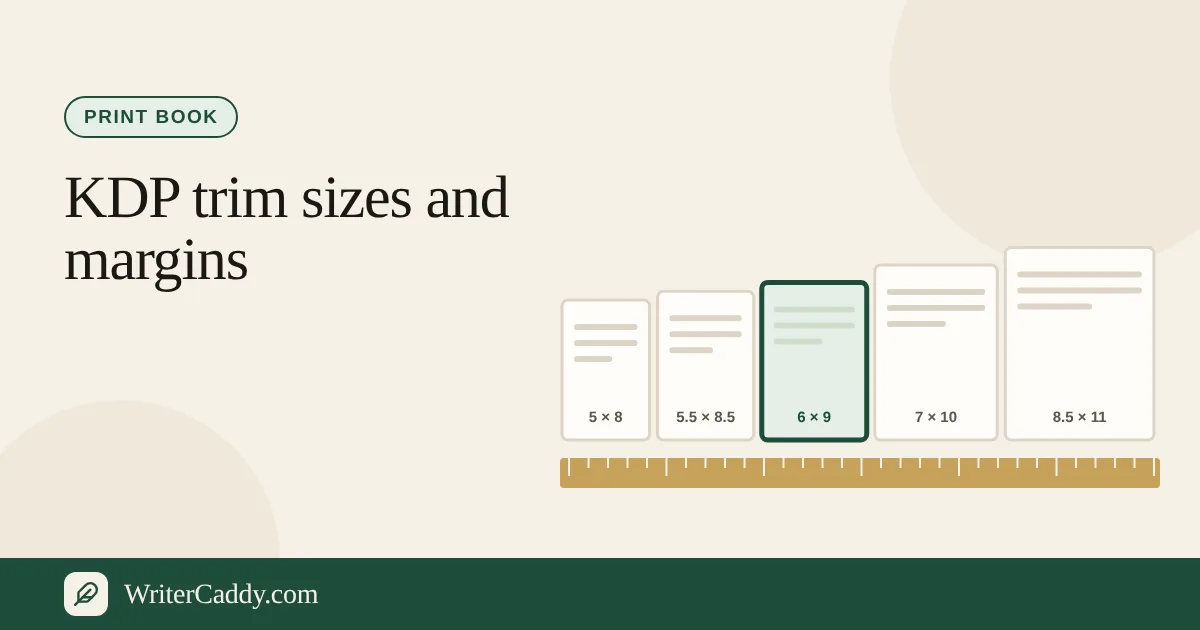
Print begins on the House step, because each house keeps its own list of sizes. When print is on, House shows five kinds of book, and each kind carries its own trims. There are forty sizes in all, and a few appear under two kinds:
| Kind | Trims (inches) |
|---|---|
| Pocket book | 4 × 6, 4 × 7, 4.25 × 6.88, 4.25 × 7, 4.37 × 7, 4.72 × 7.48, 5 × 7, 5 × 8, 5.06 × 7.81 |
| Novel or series | 5.25 × 8, 5.5 × 7.5, 5.5 × 8.25, 5.5 × 8.38, 5.5 × 8.5, A5 (5.83 × 8.27), 6 × 9, 6.14 × 9.21 |
| Handbook or guidebook | 6.69 × 9.61, 7 × 10, 7.44 × 9.69, 7.5 × 9.25, 8 × 10.88, 8.25 × 10.75, 8.25 × 11, 8.5 × 11, A4 |
| Picture or square | 6.5 × 6.5, 7.5 × 7.5, 8 × 8, 8 × 10, 8.25 × 6, 8.25 × 8.25, 8.5 × 8.5, 8.5 × 9, 9 × 7, 10 × 8, 11 × 8.5, A4 landscape |
| Comic or graphic novel | 6.63 × 10.25, 7 × 10, 6 × 9, 5 × 7.5, 5.06 × 7.81 |
The desk only offers the trims your house allows for that kind, exactly as the house lists them. Custom format takes them all. Amazon KDP takes the sixteen paperback trims on KDP's own list; a comic on KDP is offered 7 × 10, 6 × 9 or 5.06 × 7.81, the nearest sizes KDP prints.
IngramSpark takes the thirty-two sizes on Ingram's trim size matrix, from 4 × 6 to 8.5 × 11 and 11 × 8.5, including the true 6.63 × 10.25 comic page. Barnes & Noble Press takes the twenty on its own list, from 4 × 6 to 8.5 × 11, and its line on the desk says they "do not print a size outside their own list." Lulu takes the sixteen in its book creation guide, from the 4.25 × 6.88 pocket book to US Letter and the landscape sizes.
A book saved at a size its house does not print keeps that size. The House step and the Check step both say so, and you pick another from the list.
If you need a size that is not on any list, three houses let you type one: Amazon KDP, IngramSpark and Custom format. Fill in "Custom width in inches" and "Custom height in inches", both of them.
KDP holds a custom size to 4 to 8.5 inches wide and 6 to 11.69 tall. IngramSpark holds it to 4 to 8.5 wide and 6 to 11 tall, and never wider than tall. Custom format accepts 4 to 12.5 wide and 4 to 18 tall. Barnes & Noble Press and Lulu print only their own lists. Until both numbers are valid, the trim above stays in use, and the desk tells you so.
Read the spine before you design it
The spine is the part of a paperback that surprises people. It is not a design choice; it is a consequence of page count. The desk estimates pages as your chapter words divided by 250, then multiplies by 0.002252 inches per page. Dana's 58,000 words come to about 232 pages and a spine of roughly 0.52 inches.
Two honest limits apply. The estimate counts chapter words only, so a long glossary or appendix will add pages it does not see. And the figure assumes white paper, which is why the desk calls it "white paper, not a printer's measurement." Cream paper is thicker, and every printer publishes its own spine formula. Use the number to plan, then confirm it against the printer's calculator before you finalize the artwork.
The Spine panel decides what is printed on that narrow strip. Toggle "Title" and "Author" on or off, and if the full title will not fit, type a "Short title for the spine". The line under the toggles reads the spine back to you from top to bottom, so you can catch a title that would run off the end. You can also add a "Spine image" if your designer made one; it is kept with the book, though the wrap on the desk does not draw it yet.
Watch the cover wrap fill itself in
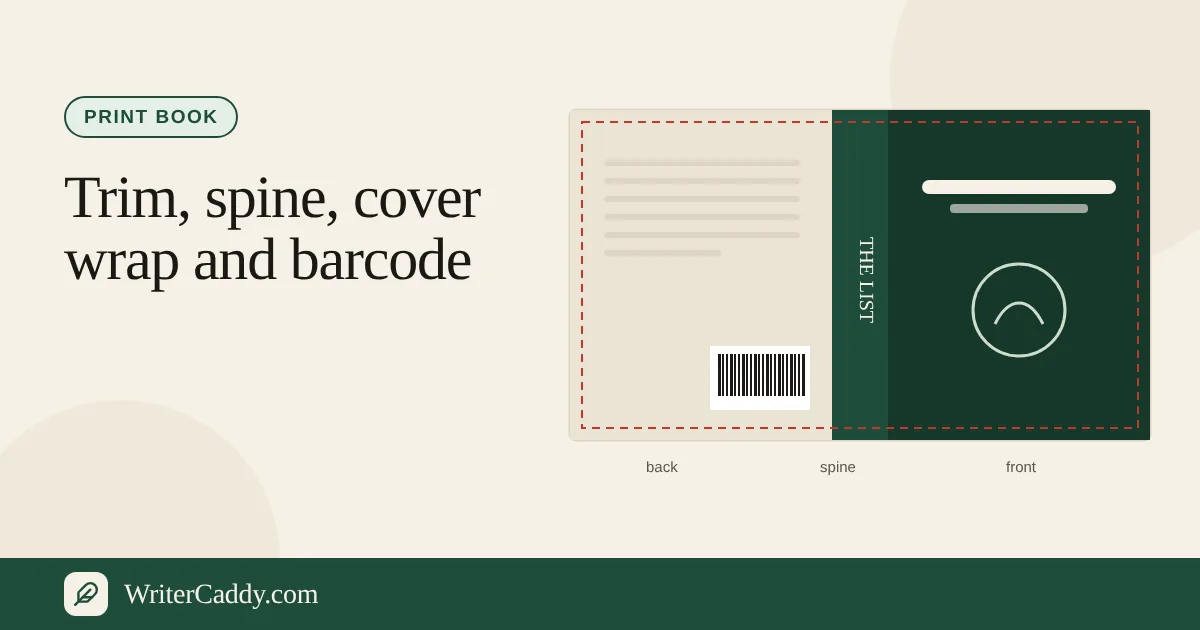
With print on, the Cover step opens with the whole wrap laid flat: back, spine and front, side by side, the way a printer sees it. You type each fact once and the wrap draws it everywhere it belongs.
- Front: the cover image, the title and subtitle from Intent, the author, and the publisher name.
- Spine: the title or your short spine title, the author, and the publisher mark at the foot.
- Back: the "Headline", the "Back cover blurb", "A line of praise" with "Who said it", "About the author" with the "Author photo", the "Website", and the barcode block.
The barcode is the piece most writers expect to type in on the cover, and it is the piece that lives somewhere else. Enter the ISBN on the Facts step. Once it has 13 digits, the desk draws an EAN-13 barcode on the back and tells you whether the check digit matches. If the number is mistyped by one digit, you will see "does not match" before a printer ever rejects the file. A "QR code" link entered on Facts is drawn just above the barcode, inside the same block, so on the wrap it only appears once the barcode does.
Step by step: a print plan in one sitting
- On House, pick the house, keep "Print and ebook" or "Print only", choose the kind, then the trim.
- On Intent, fill in the "Title", "Subtitle" and the reader. The title and subtitle feed the front cover, and the title also runs down the spine.
- On Chapters, write or bring in the text. The spine estimate grows as the word count grows.
- On Cover, upload the front "Cover image", set the spine toggles, and fill the back cover fields.
- On Facts, enter the "ISBN", the "Publisher name" and "Publisher logo", and leave "Place that barcode on the back cover" ticked.
- On Check, read the Trim line and the Length line before anything else.
What the wrap is, and what it is not
The wrap on the desk is a reading, watermarked "Preview", to plan from. WriterCaddy does not produce a cover file, and for a novel or a handbook it does not produce the interior PDF either: the clean downloads are the manuscript as plain text and as a Word file, an EPUB and an ONIX handoff, described in the guide to clean files and the plan. A print picture book or comic is the exception, covered below. When you are ready to press, your printer's own cover template, built for your trim, page count and paper, is the final measure.
That still leaves the wrap doing real work. It shows whether your blurb fits next to the barcode, whether your spine title is short enough, and whether the praise line and author photo crowd each other. Those are decisions that are cheap here and expensive after a proof copy arrives.
Picture books and comics: the art itself
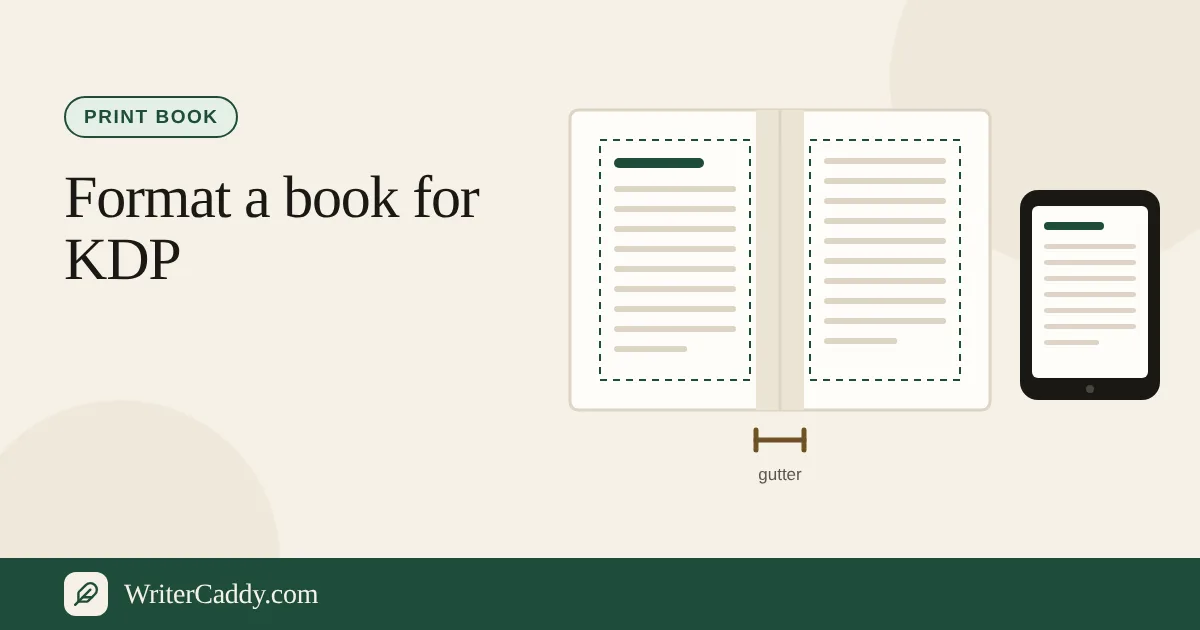
A picture book or comic is mostly art, and the desk is clear about what the art file needs. Pages should be 300 dots per inch, with 0.125 inch of bleed past the trim, and faces and words kept about 0.375 inch from the gutter. A picture book is usually 32 pages in all, folded in eights, and on the Pages step a spread counts as two.
The picture-book path has its own Check step, and with print in the path it makes a print interior PDF: a title page, a copyright page, then one page for each picture at your trim plus 0.125 inch of bleed on the outside, top and bottom, with a spread split across two facing pages.
Each picture is scaled to fill the page and its bleed, so art drawn at a different shape is cropped at the edges, and the desk counts the pages that would print under about 300 dots per inch. Draw the art at the trim plus bleed and you decide what the cut takes. The cover is still made with the house's cover template.
What to check before you send it
- Trim: Needed if your size is not one this house prints. Pick from their list or switch houses.
- Length: a paperback "usually needs at least 24" pages, and anything shorter shows Needed. At 250 words a page, that is about 6,000 words of chapters.
- ISBN: IngramSpark gives US self-publishers a free ISBN during title setup (under its Indy Pub imprint, usable only on IngramSpark), so a blank ISBN shows as "Look" there until you enter one. Other houses can issue their own, and their lines on the desk say how.
- Barcode: until the ISBN has 13 digits, the wrap simply leaves the barcode off the back, and Check shows a Look line asking for a 13-digit number.
- Margins: read your house's margin line on House. KDP's inside margin grows with the page count, from about 0.375 inch toward 0.875 inch.
A common mistake is designing the cover first and the book second. A spine drawn for 180 pages will be wrong at 260, so let the chapters settle before anyone paints the strip down the middle.
Your next step
Open the WriterDesk, start from the sample novel if you want to see a finished wrap, and walk House to Check with your own manuscript. If your book is headed to readers' screens as well as their shelves, the EPUB guide covers the second file that comes from the same pages.
Which part of your paperback is still a question mark: the size, the spine, or the back cover? Write to us at [email protected].
Try it on your own book
The sample books on the desk show every step before you start one of your own.